
Lane-based ordering
QR codes tied to lane areas ensure every order includes clear delivery location details.
Venue Industries
Let guests order food and drinks from their lane seating while staff manage fulfilment from one live dashboard.
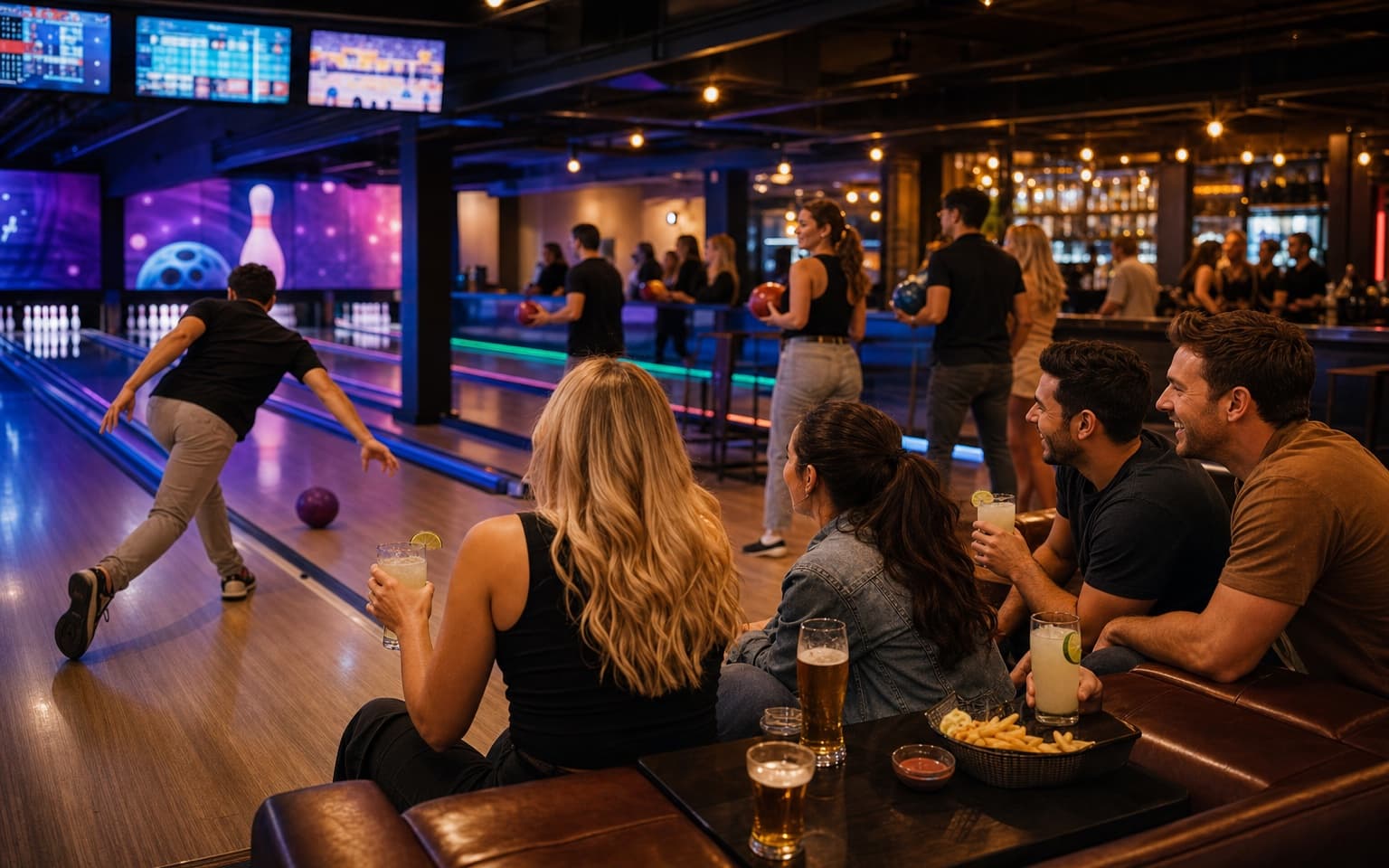
Game-based venues need fast service without pulling guests away from play.
Keep guests engaged in play while improving order flow.
QR codes tied to lane areas ensure every order includes clear delivery location details.
Guests stay seated and order from WhatsApp instead of repeatedly visiting the counter.
Complex snack and drink requests are captured cleanly with item notes and modifiers.
Easier ordering encourages additional rounds during games and event packages.
Perfect for lane service with optional collection support.
Table and area QR codes identify exactly where each order should be delivered — bar, terrace, lane or lounge.
Guests order through WhatsApp — no app download, no account sign-up and no new system to learn.
Digame understands natural language, menu questions, modifiers and item notes before orders reach your team.
Table, bar, terrace, lane, poolside and collection-point QR codes route every order to the right location.
Secure card payments through Stripe so orders are paid before they hit the Live Orders Screen.
Collection numbers and optional Collection Screen updates keep high-volume service moving without confusion.
Staff move orders through New, Preparing, Ready and Completed from one live operational dashboard.
Show large order numbers and statuses on venue TVs so guests know when orders are ready to collect.
Revenue by day, orders by hour, top sellers and average order value — all in one hospitality reporting dashboard.
Promote specials, happy hours and event announcements to guests already ordering through WhatsApp.
Track your venue performance and discover insights
Total Revenue
£5,180
+14% vs last week
Total Orders
386
+11% vs last week
Avg Order Value
£13.42
+2% vs last week
Total Customers
312
+9% vs last week
Loaded Nachos
£648
72 orders
Chicken Wings
£544
68 orders
Soft Drinks
£372
124 orders
Beer Pitcher
£576
48 orders
Burger Meal
£784
56 orders
View order trends by session time, lane demand and top-selling items for parties and open play.
Revenue by day, orders by day, orders by hour, top-selling products, average order value and sales trends.
Use data to plan staffing for evenings, weekends and family peaks while improving stock readiness.
Create a smooth lane-to-service flow in four steps.
Place scannable codes at each lane seating area so location is automatically attached to orders.
Players and groups place food and drinks orders in WhatsApp without leaving the game.
Orders appear instantly on the Live Orders Screen with lane details and notes.
Deliver or hand over efficiently, reducing queue pressure and increasing per-session spend.
Operational answers for lane-focused venues.
Explore how Digame adapts to other hospitality environments.
Keep guests at the lane, reduce queues and grow food and drink revenue per session.