
Table and area ordering
Guests scan a QR code and order from tables, booths, terraces or beer garden zones in seconds.
Venue Industries
Let guests order from tables, terraces and beer gardens while your team runs every ticket through one Live Orders Screen.
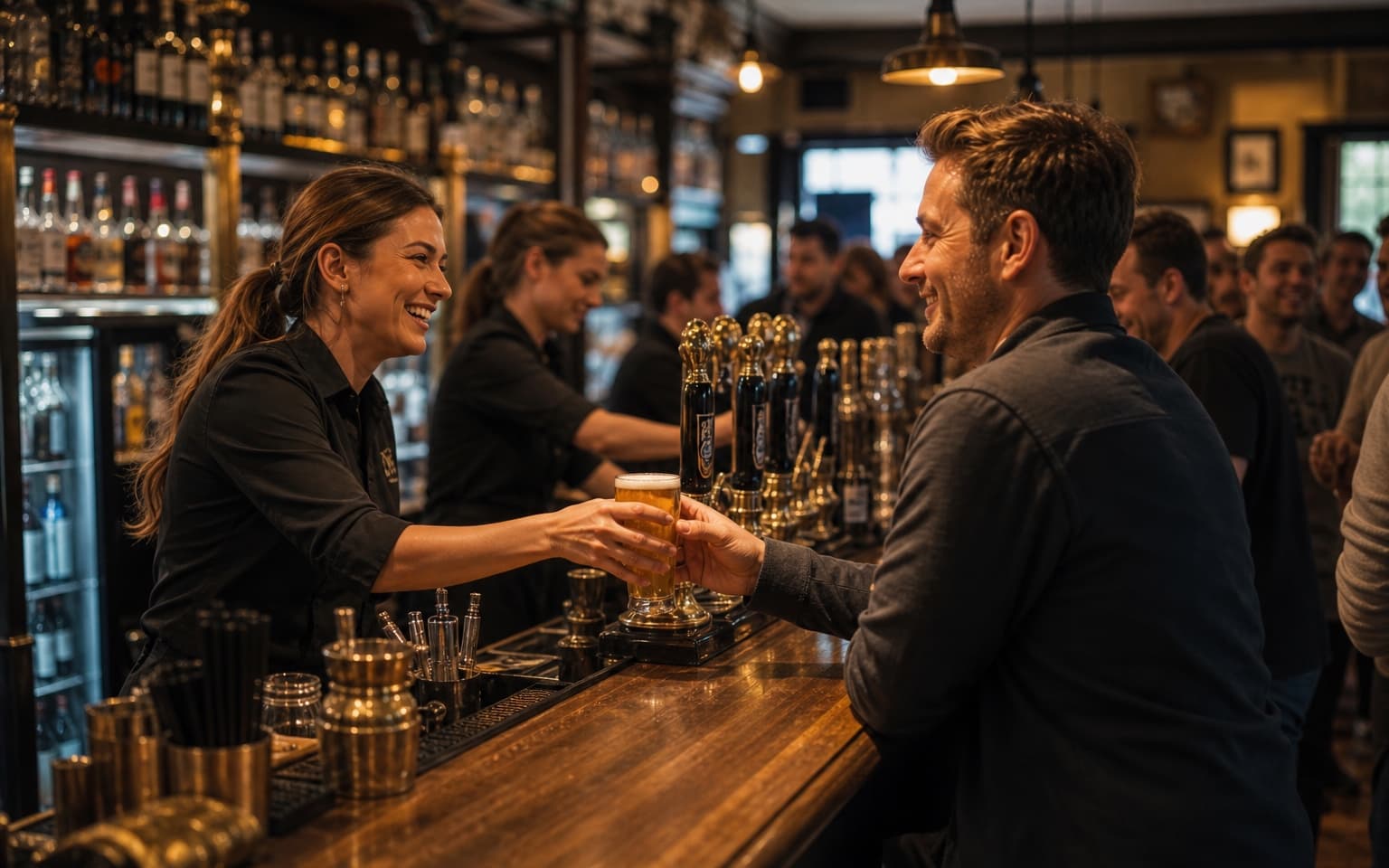
Peak hours can drain revenue when ordering slows down.
Give guests a faster route to order without adding staff pressure.
Guests scan a QR code and order from tables, booths, terraces or beer garden zones in seconds.
Requests like no ice, double measures or mixer swaps are captured clearly before fulfilment.
Orders appear instantly on the Live Orders Screen so bar staff prioritise and process quickly.
Send timely WhatsApp broadcasts for happy hour and late offers to increase spend per head.
Support both table service and fast collection workflows in one setup.
Table and area QR codes identify exactly where each order should be delivered — bar, terrace, lane or lounge.
Guests order through WhatsApp — no app download, no account sign-up and no new system to learn.
Digame understands natural language, menu questions, modifiers and item notes before orders reach your team.
Table, bar, terrace, lane, poolside and collection-point QR codes route every order to the right location.
Secure card payments through Stripe so orders are paid before they hit the Live Orders Screen.
Collection numbers and optional Collection Screen updates keep high-volume service moving without confusion.
Staff move orders through New, Preparing, Ready and Completed from one live operational dashboard.
Show large order numbers and statuses on venue TVs so guests know when orders are ready to collect.
Revenue by day, orders by hour, top sellers and average order value — all in one hospitality reporting dashboard.
Promote specials, happy hours and event announcements to guests already ordering through WhatsApp.
Track your venue performance and discover insights
Total Revenue
£4,431
+12% vs last week
Total Orders
312
+8% vs last week
Avg Order Value
£14.20
+3% vs last week
Total Customers
278
+6% vs last week
Guinness Pint
£462
84 orders
Fish & Chips
£676
52 orders
House Burger
£611
47 orders
Espresso Martini
£342
38 orders
Loaded Fries
£248
31 orders
Track best-selling drinks, busiest order windows and average order value by day and hour.
Revenue by day, orders by day, orders by hour, top-selling products, average order value and sales trends.
Use trading data to optimise staffing, stock planning and promotions across quieter and busier sessions.
Launch in a simple four-step flow tailored to busy drinks service.
Set unique codes for tables, terrace sections and garden zones so each order has a clear location.
Customers browse drinks and snacks, ask questions and check out without downloading another app.
Every paid order appears instantly with notes and location, ready to move through status stages.
Complete orders quickly, then send targeted offers to encourage another round while guests stay on site.
Answers for operators running high-tempo drinks service.
Explore how Digame adapts to other hospitality environments.
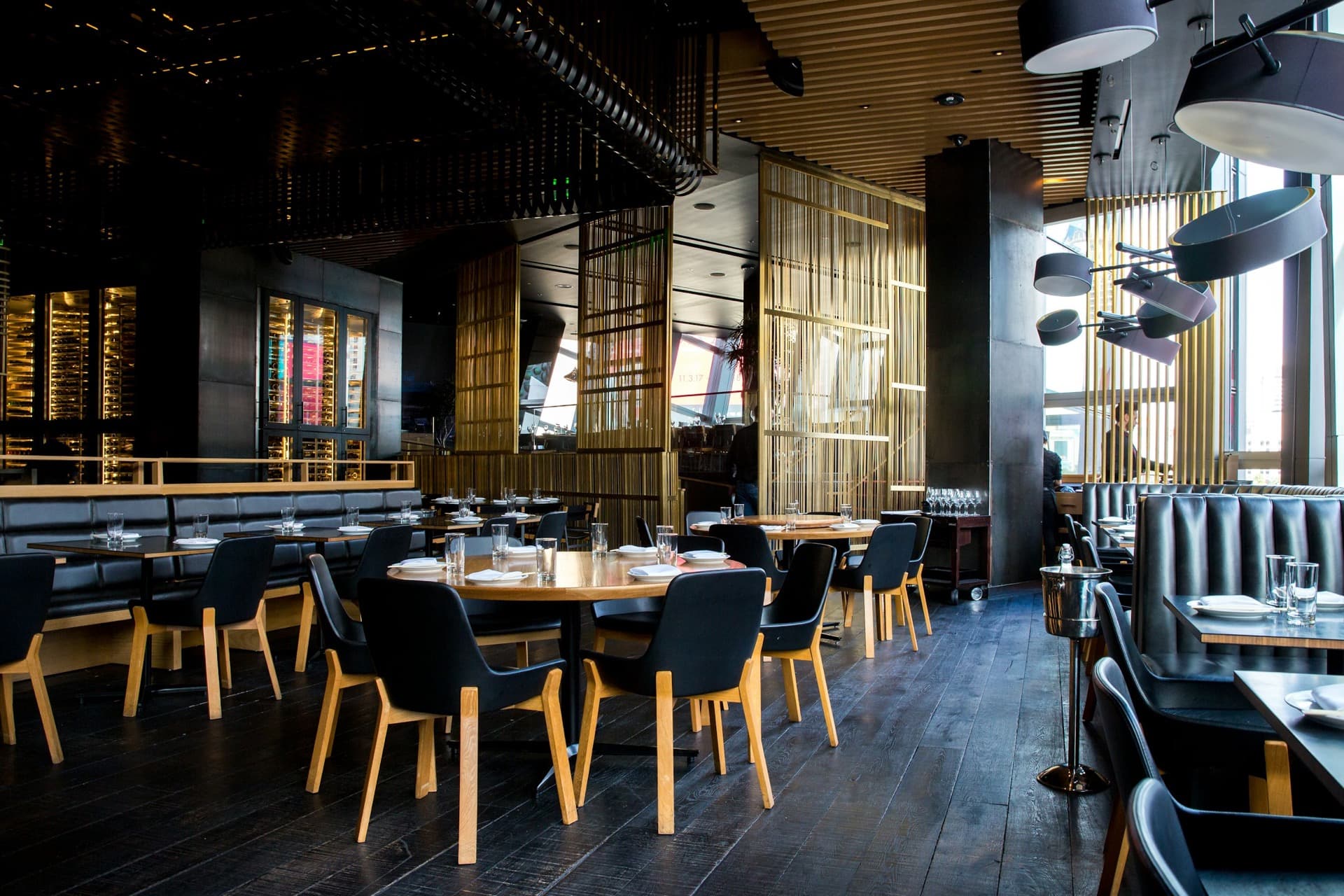
Start WhatsApp ordering with Digame and serve more guests without extending queues.