
Collection-first ordering flow
Guests order from anywhere and receive clear order references for rapid collection.
Venue Industries
Handle large crowd demand with mobile ordering, clear collection numbers and live fulfilment visibility for every outlet.
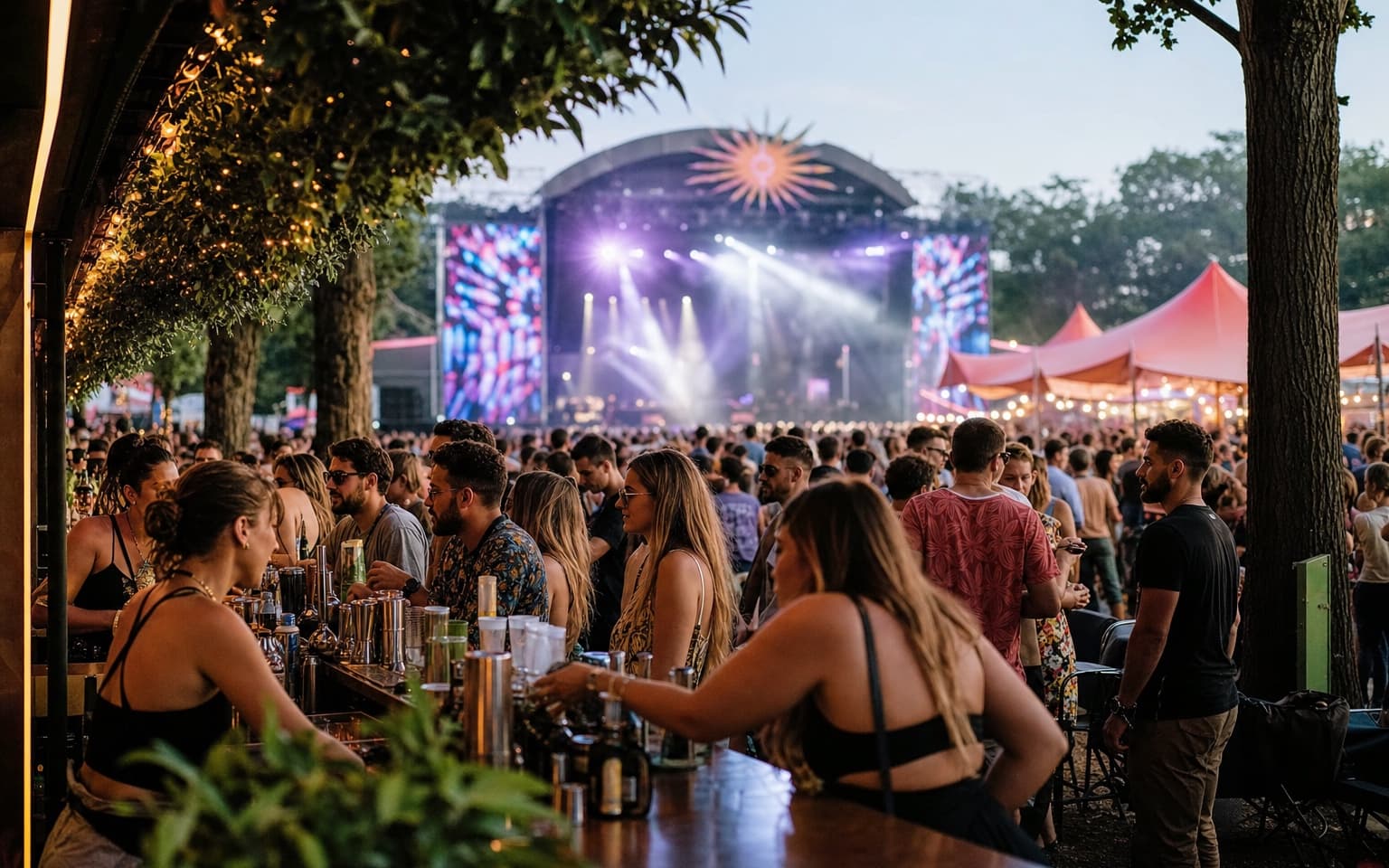
High footfall makes queue-based service hard to scale.
Move from queue-heavy service to structured high-volume collections.
Guests order from anywhere and receive clear order references for rapid collection.
Live order stages keep temporary staff aligned even during sudden demand spikes.
Use the optional Collection Screen to show live status and lower front-counter interruptions.
Track ordering patterns by time to deploy staff where demand is highest.
Built for collection-based, high-throughput environments.
Guests order through WhatsApp — no app download, no account sign-up and no new system to learn.
Digame understands natural language, menu questions, modifiers and item notes before orders reach your team.
Table, bar, terrace, lane, poolside and collection-point QR codes route every order to the right location.
Secure card payments through Stripe so orders are paid before they hit the Live Orders Screen.
Collection numbers and optional Collection Screen updates keep high-volume service moving without confusion.
Staff move orders through New, Preparing, Ready and Completed from one live operational dashboard.
Show large order numbers and statuses on venue TVs so guests know when orders are ready to collect.
Revenue by day, orders by hour, top sellers and average order value — all in one hospitality reporting dashboard.
Promote specials, happy hours and event announcements to guests already ordering through WhatsApp.
Track your venue performance and discover insights
Total Revenue
£18,240
+22% vs last event
Total Orders
1,420
+18% vs last event
Avg Order Value
£12.85
+4% vs last event
Total Customers
1,180
+15% vs last event
Craft Beer
£1,872
312 orders
Street Food Burger
£2,480
248 orders
Loaded Fries
£1,568
196 orders
Soft Drinks
£852
284 orders
Festival Cocktail
£1,344
168 orders
See hourly surges, top-selling products and outlet performance during each event session.
Revenue by day, orders by day, orders by hour, top-selling products, average order value and sales trends.
Use live and post-event insights to improve staffing, stock allocation and site layout planning.
Deploy fast and keep queues under control all day.
Set up QR access points for bars and food vendors so guests can start ordering immediately.
Customers order without app downloads, then receive clear collection details in the chat flow.
Staff process New, Preparing, Ready and Completed orders from a single operational view.
Show large order numbers on screens so guests know exactly when to collect.
Answers for high-volume temporary and match-day operations.
Explore how Digame adapts to other hospitality environments.
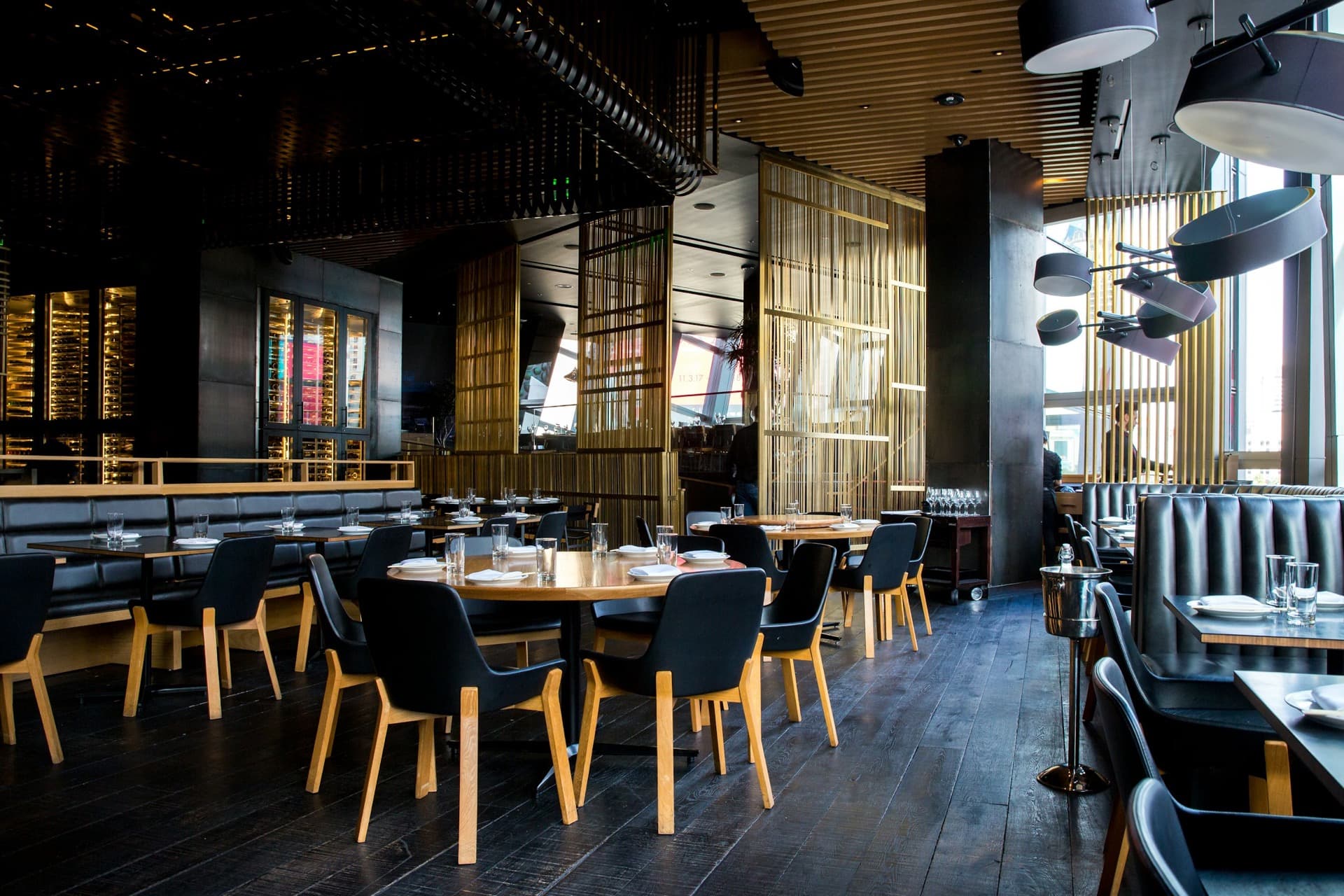
Launch WhatsApp collection ordering and reduce queue pressure across your event footprint.