
Fast deployment
Upload menus and generate QR codes rapidly so temporary venues can open with confidence.
Venue Industries
Go live in hours with flexible ordering designed for temporary bars, brand activations and short-run event spaces.
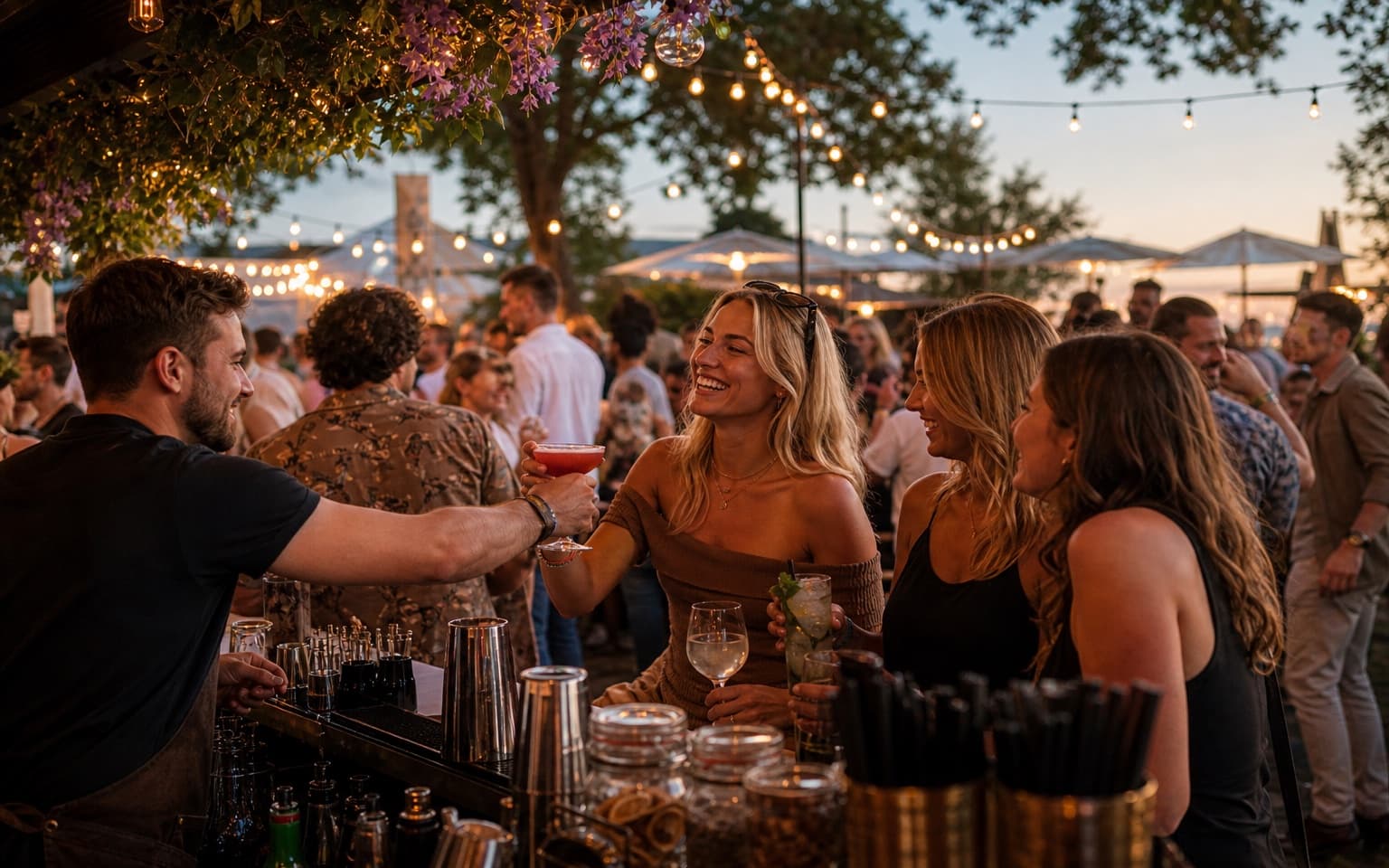
Temporary venues need speed, flexibility and simple staff onboarding.
Launch quickly and stay in control during short, high-intensity runs.
Upload menus and generate QR codes rapidly so temporary venues can open with confidence.
Live status stages are easy for short-term staff to learn and execute consistently.
Guests receive clear references, helping handovers stay efficient when queues build.
Track top sellers and rush periods in real time to adapt stock and staffing during the event.
Purpose-built for rapid setup and flexible collection operations.
Guests order through WhatsApp — no app download, no account sign-up and no new system to learn.
Digame understands natural language, menu questions, modifiers and item notes before orders reach your team.
Table, bar, terrace, lane, poolside and collection-point QR codes route every order to the right location.
Secure card payments through Stripe so orders are paid before they hit the Live Orders Screen.
Collection numbers and optional Collection Screen updates keep high-volume service moving without confusion.
Staff move orders through New, Preparing, Ready and Completed from one live operational dashboard.
Show large order numbers and statuses on venue TVs so guests know when orders are ready to collect.
Revenue by day, orders by hour, top sellers and average order value — all in one hospitality reporting dashboard.
Promote specials, happy hours and event announcements to guests already ordering through WhatsApp.
Track your venue performance and discover insights
Total Revenue
£9,860
+21% vs last event
Total Orders
824
+17% vs last event
Avg Order Value
£11.97
+4% vs last event
Total Customers
712
+13% vs last event
Craft Beer
£1,008
168 orders
Street Food Burger
£1,420
142 orders
Loaded Fries
£944
118 orders
Soft Drinks
£468
156 orders
Festival Cocktail
£768
96 orders
Monitor live demand and product performance to adapt operations across each trading session.
Revenue by day, orders by day, orders by hour, top-selling products, average order value and sales trends.
Use fast feedback loops to optimise staffing, stock and menu focus while the event is still running.
From setup to service in a compact four-step launch model.
Configure your temporary outlet and place ordering QR points across the pop-up footprint.
Visitors order and pay through a familiar channel with no app install or account barriers.
Temporary staff process orders through clear New, Preparing, Ready and Completed statuses.
Review peak periods and top items in real time to refine operations during the event.
Answers for temporary and short-run hospitality setups.
Explore how Digame adapts to other hospitality environments.
Deploy WhatsApp ordering in hours and keep temporary event service running smoothly.