
Structured dietary notes
Capture allergen and preference requests clearly so each order reaches staff with full context.
Venue Industries
Handle table-side ordering, dietary requests and peak covers through one clean ordering flow guests already understand.
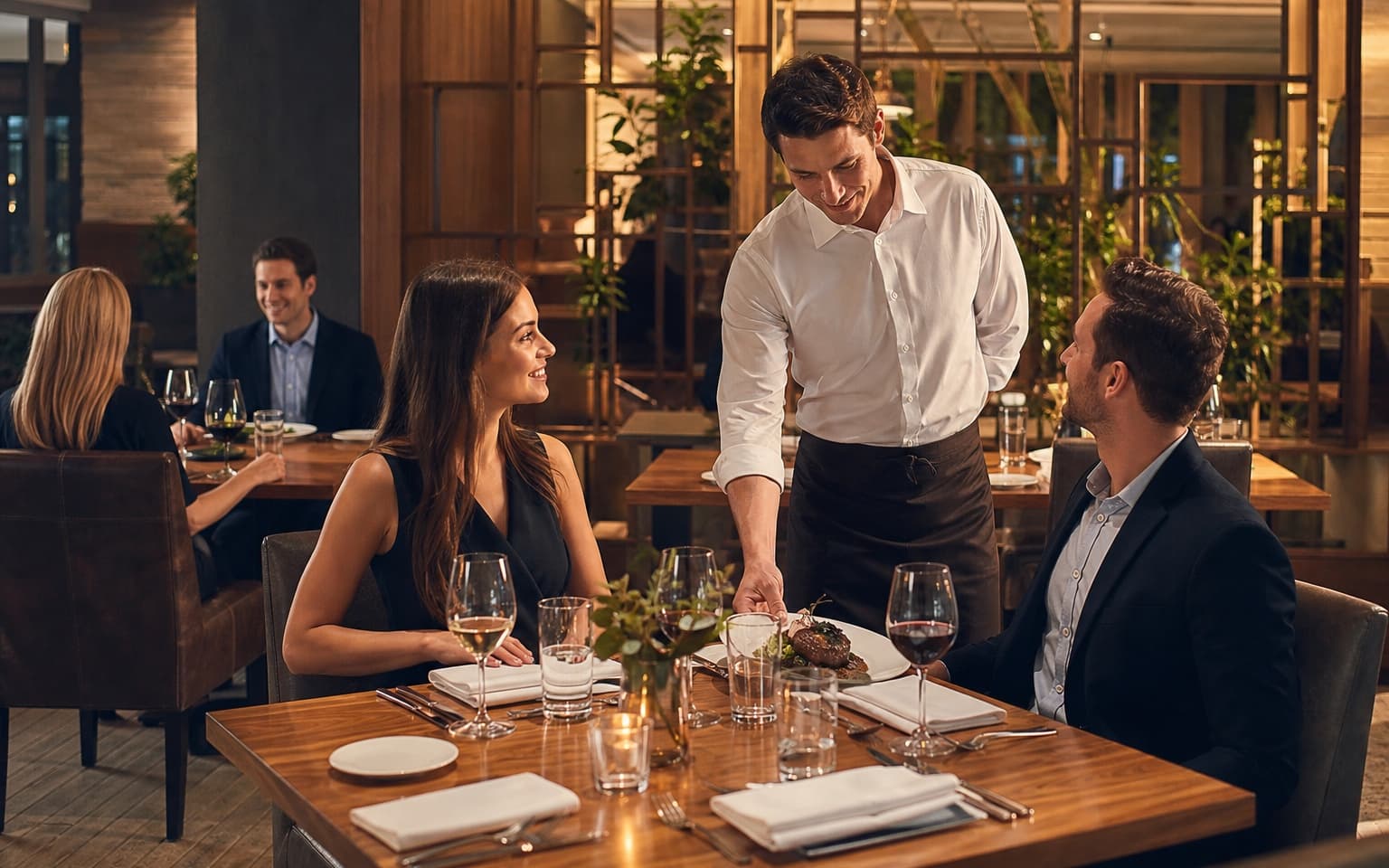
Front-of-house teams need speed without compromising guest experience.
Keep service smooth from first order to final round.
Capture allergen and preference requests clearly so each order reaches staff with full context.
Guests can order additional items directly from the table without waiting for staff attention.
Live order statuses keep teams aligned and reduce uncertainty between front and back of house.
Send optional prompts for desserts, drinks or specials at the right stage of service.
Built for table service, complex menus and high guest expectations.
Table and area QR codes identify exactly where each order should be delivered — bar, terrace, lane or lounge.
Guests order through WhatsApp — no app download, no account sign-up and no new system to learn.
Digame understands natural language, menu questions, modifiers and item notes before orders reach your team.
Table, bar, terrace, lane, poolside and collection-point QR codes route every order to the right location.
Secure card payments through Stripe so orders are paid before they hit the Live Orders Screen.
Collection numbers and optional Collection Screen updates keep high-volume service moving without confusion.
Staff move orders through New, Preparing, Ready and Completed from one live operational dashboard.
Show large order numbers and statuses on venue TVs so guests know when orders are ready to collect.
Revenue by day, orders by hour, top sellers and average order value — all in one hospitality reporting dashboard.
Promote specials, happy hours and event announcements to guests already ordering through WhatsApp.
Track your venue performance and discover insights
Total Revenue
£6,840
+9% vs last week
Total Orders
284
+5% vs last week
Avg Order Value
£24.08
+4% vs last week
Total Customers
241
+7% vs last week
Roast Chicken
£828
46 orders
Sea Bass
£912
38 orders
Ribeye Steak
£1,020
34 orders
House Wine
£434
62 orders
Tiramisu
£232
29 orders
Monitor covers by hour, product mix, repeat ordering and average spend across lunch and dinner sessions.
Revenue by day, orders by day, orders by hour, top-selling products, average order value and sales trends.
Use sales trends to refine menu engineering, staff rotas and promotional timing by service window.
Support a polished dining journey with reliable operational visibility.
Create codes for dining rooms, terraces and private areas so location is always attached to each order.
Customers browse, customise and submit orders naturally without app downloads or account creation.
Orders appear on the Live Orders Screen with notes and statuses to keep service coordinated.
Use reporting to identify profitable menu items and improve response times during each shift.
Practical answers for full-service dining teams.
Explore how Digame adapts to other hospitality environments.
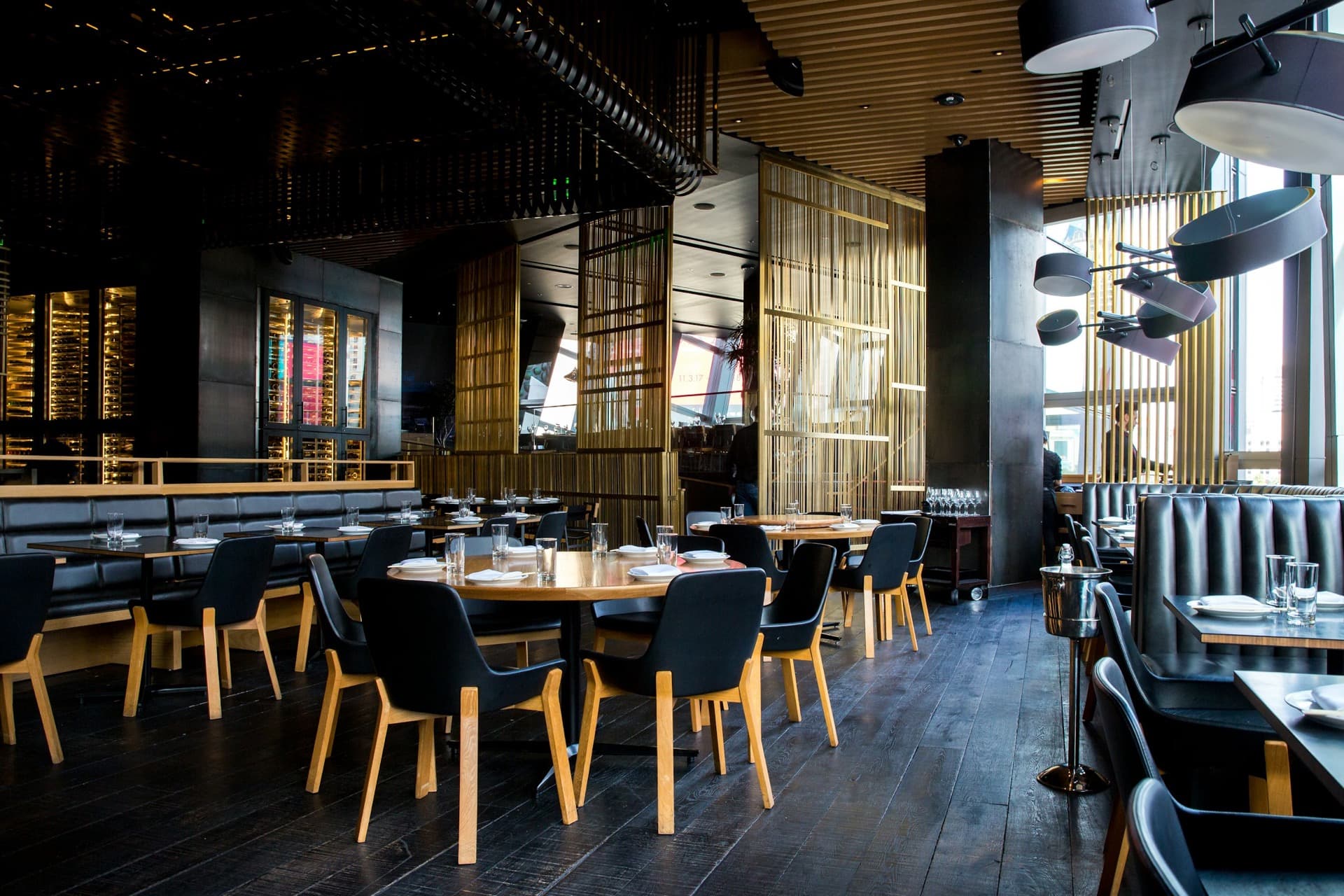
Improve table service and capture more repeat orders with a WhatsApp-first guest journey.